1EXIGER.AI Launch
A company-wide launch landing page reached by QR code, and a hand-tracked supply-chain simulation you can play on a conference floor. I designed, built, and owned the UX and UI of both.
- Role
- Immersive Media & Product Marketing Intern — sole designer & developer
- Client
- Exiger · 1EXIGER.AI platform launch
- Stack
- HTML/CSS/JS, React, MediaPipe hand tracking, WebGL, CSS physics
- Timeline
- Summer 2026
 Hover to preview Click to try it live live previewDeliverable A · Shown company-wide
Day One landing page
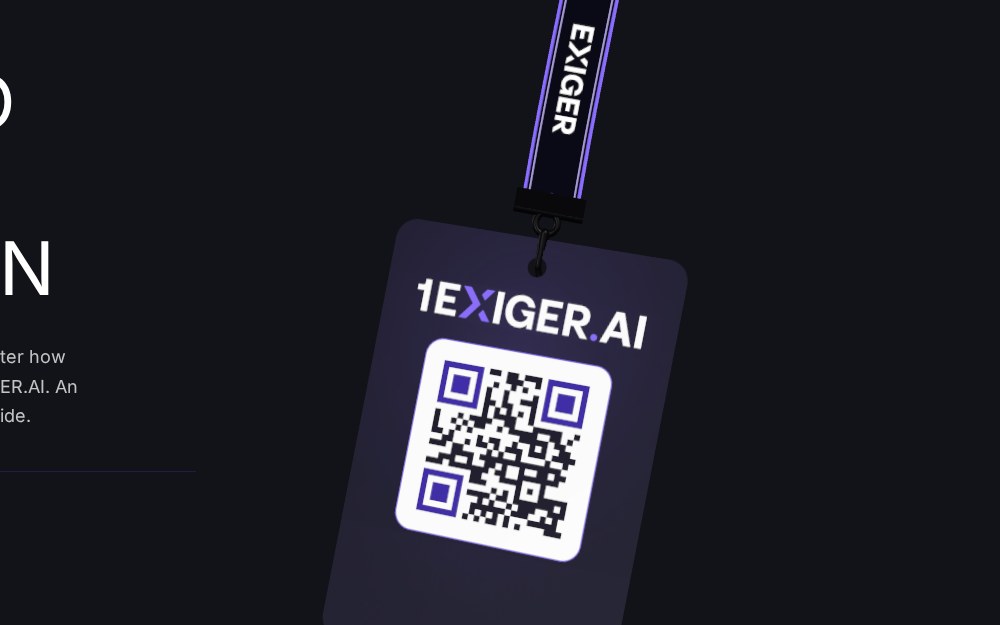
The single destination behind the QR code for 1EXIGER.AI Day — a global, all-company activation held live in every Exiger office. Employees scanned a badge, landed here, and got the date, format, and agenda in one screen. The lanyard badge is a real interactive element: drag it and it swings on a physics-based tether, with the working QR code printed on the card.
Open the live landing page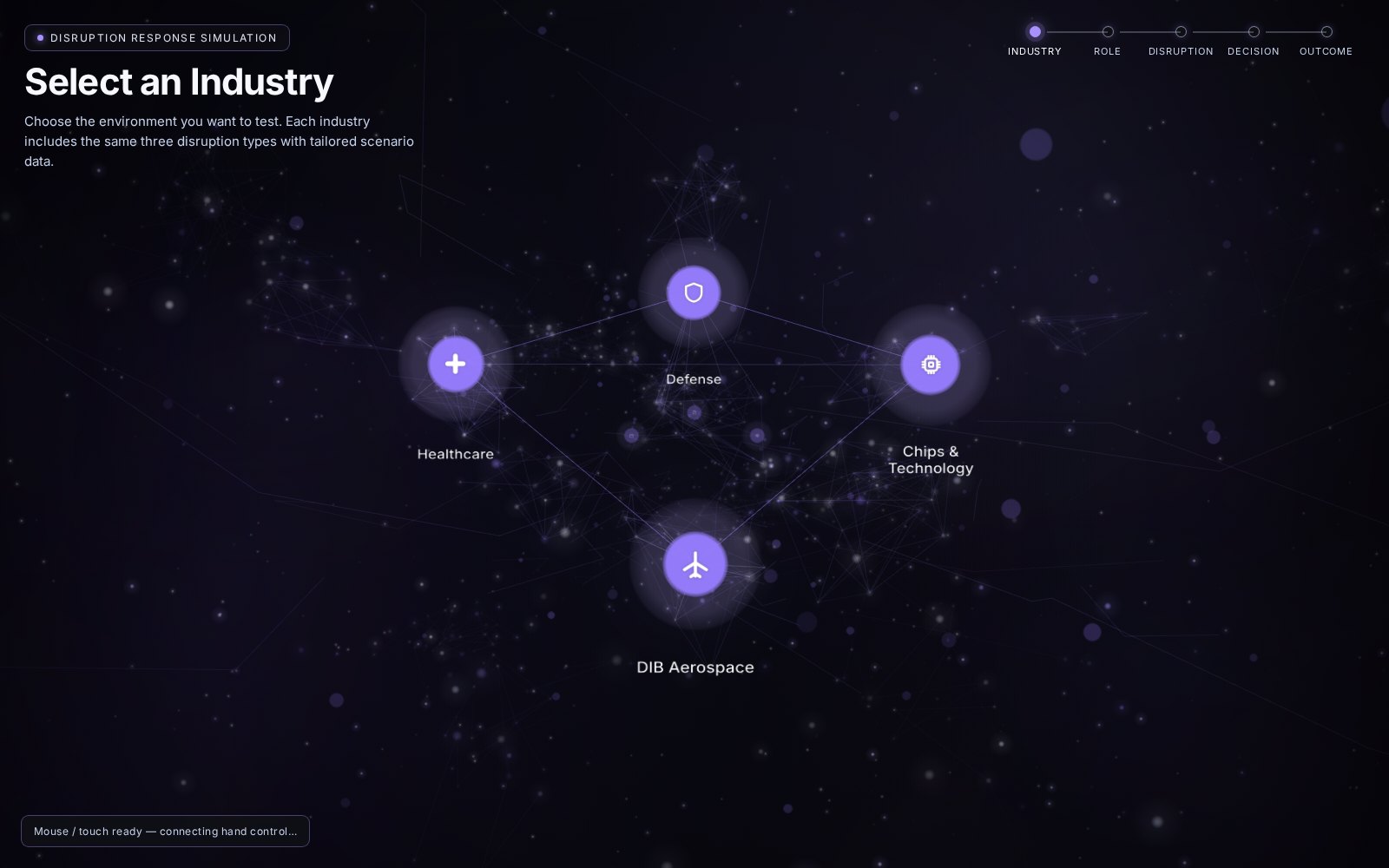 Hover to preview Click to try it live live previewDeliverable B · Interactive journey
Disruption Response Simulation
A guided supply-chain disruption journey — Industry → Role → Disruption → Decision → Outcome — rendered as a navigable 3D node network. Built for conference screens with gesture control: an open hand aims, a closed fist selects, pushing to the edge spins the network. Full mouse and touch fallback when no camera is present.
Play the simulationExiger was launching a new platform identity, 1EXIGER.AI, to every employee on a single day across offices worldwide — and needed the launch to feel like a product, not a memo. Separately, sales and marketing needed a way to explain supply-chain disruption to conference visitors without a slide deck or a person standing beside the screen.
I was the Immersive Media & Product Marketing Intern and the only designer-developer on both pieces: concept, UX flow, visual system, front-end build, motion, and QA. I worked inside a confidential environment with real product data and presented weekly to the marketing and product teams.
The Day One landing page shipped company-wide as the QR destination for the 1EXIGER.AI launch. The Disruption Response Simulation shipped as a playable web demo for conference use, and its component set was reused by the team after the internship ended.
- 01
Wrote the launch page as one screen: what, when, where, and what to expect. Cut everything that did not answer those four questions.
- 02
Designed the lanyard badge as the hero object — a physical thing employees already wear — and made the QR code on it real, so the page and the printed collateral are the same artifact.
- 03
Storyboarded the disruption narrative as a five-step journey and mapped it to a radial node network so every choice is visible in one view.
- 04
Prototyped gesture control with MediaPipe: open hand = aim, fist = select, push to an edge = rotate. Added an on-screen guide and a mouse / touch fallback that reads the camera state and tells users what to do.
- 05
Tuned the dark, single-accent palette and type sizes on a real booth screen from six feet away, then iterated on the status copy until first-time visitors got through unaided.
Hierarchy
One oversized headline, one accent color (violet), one interactive object per screen. Everything secondary is set in small, tracked mono labels so it stays legible but never competes.
Interaction
Gestures always have a pointer equivalent, and every state — camera found, camera missing, guide advancing — is written in plain language. Nobody should have to guess.
Typography & color
Heavy grotesk display with a monospace label layer on near-black; violet reserved for “you can touch this.” The same system this portfolio uses, because it works.
(async function start() {
  let landmarker = null;
  try {
    const { HandLandmarker, FilesetResolver } =
      await import("https://cdn.jsdelivr.net/npm/@mediapipe/tasks-vision@0.10.14");
    const vision = await FilesetResolver.forVisionTasks(
      "https://cdn.jsdelivr.net/npm/@mediapipe/tasks-vision@0.10.14/wasm");
    landmarker = await HandLandmarker.createFromOptions(vision, {
      baseOptions: { modelAssetPath: HAND_MODEL_URL, delegate: "GPU" },
      runningMode: "VIDEO",
      numHands: 1,
      minHandDetectionConfidence: 0.6,
      minTrackingConfidence: 0.7,
    });
    const stream = await navigator.mediaDevices.getUserMedia({ video: { width: 640, height: 480 } });
    video.srcObject = stream;
    await video.play();
    CRE.setStatus("Hand control ready — show your hand");
  } catch (err) {
    console.warn("[hand-control] setup failed:", err);
    CRE.setStatus("Camera unavailable — use mouse / touch");
  }
})();